

Android
MYCAM v2.29.14
Standalone, Legacy and non-root engines.
Your camera. Your creative control.
Videos, photos and live streams. One creative toolkit for your camera, with a setup that fits your device.
Watch the crypto payment tutorial on YouTube.
01 / ANDROID ENGINES
Rooted or non-rooted, start with the engine that matches your setup. All three are inside MYCAM.
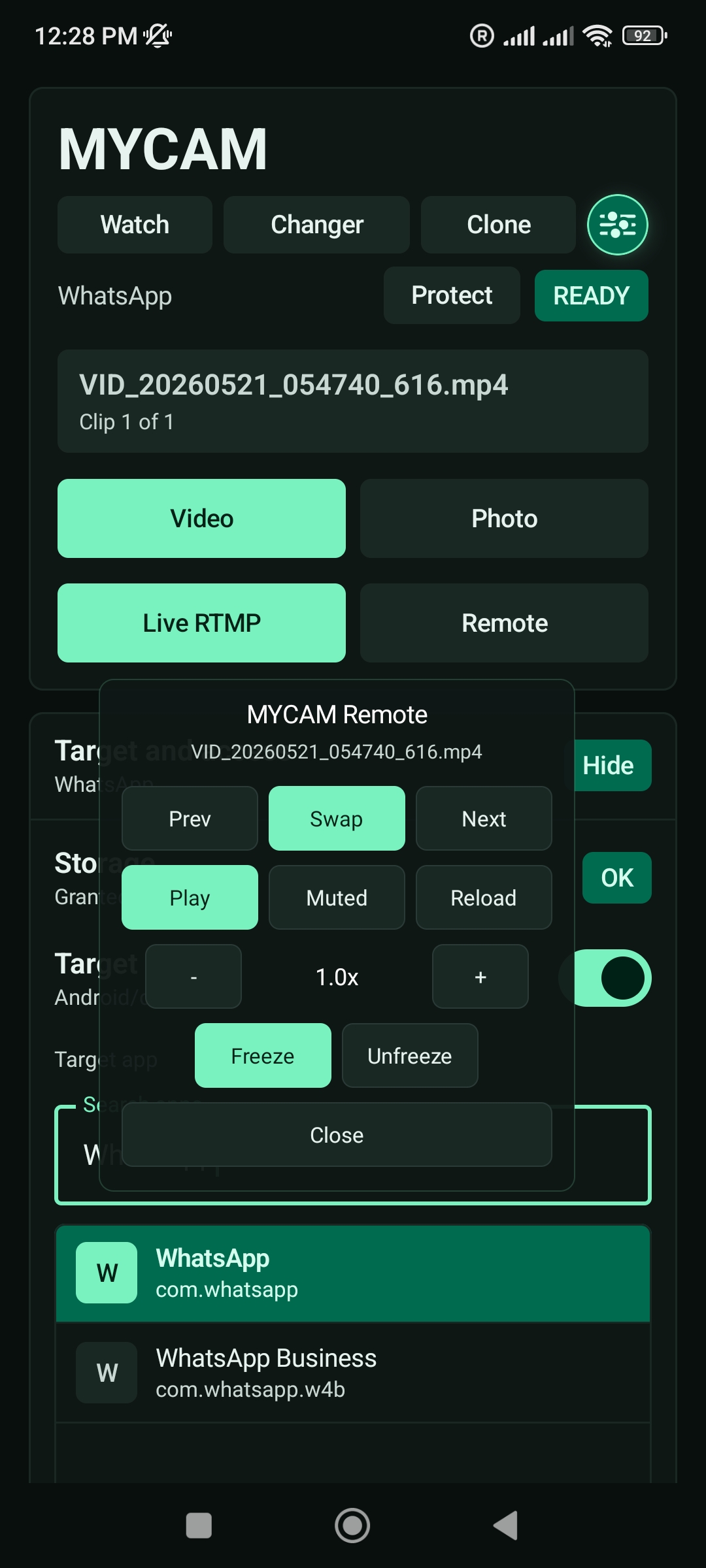
Prepare your target app directly inside MYCAM. The standalone engine works without an LSPosed setup on supported rooted phones.

Playback uses YouTube. Device and target-app compatibility varies.
02 / CREATIVE CONTROL
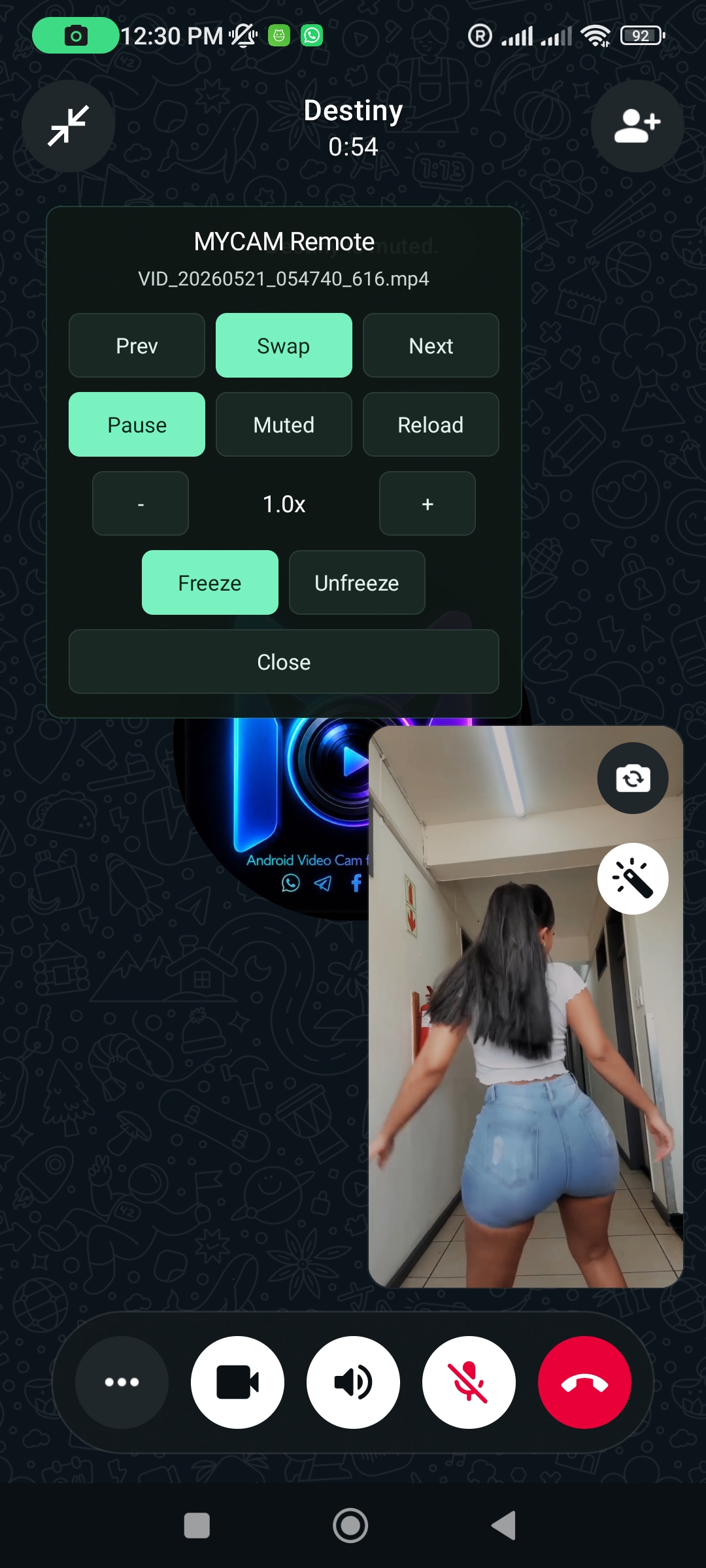
Switch the source. Set the framing. Keep your controls close, even when your camera app is open.
Play, pause, switch clips, rotate and adjust playback with supported remote controls.
Bring your stream into MYCAM with Live RTMP, MediaMTX and the downloadable tools.
Explore Live RTMPDiscover Voice Studio, supported chat translation, and separate app profiles for accounts you own. Availability and limits depend on your version and plan.
03 / A NEW WORKSPACE
A bigger canvas for your ideas. A dedicated desktop workspace for media, virtual-camera output, voice and 3D creativity.
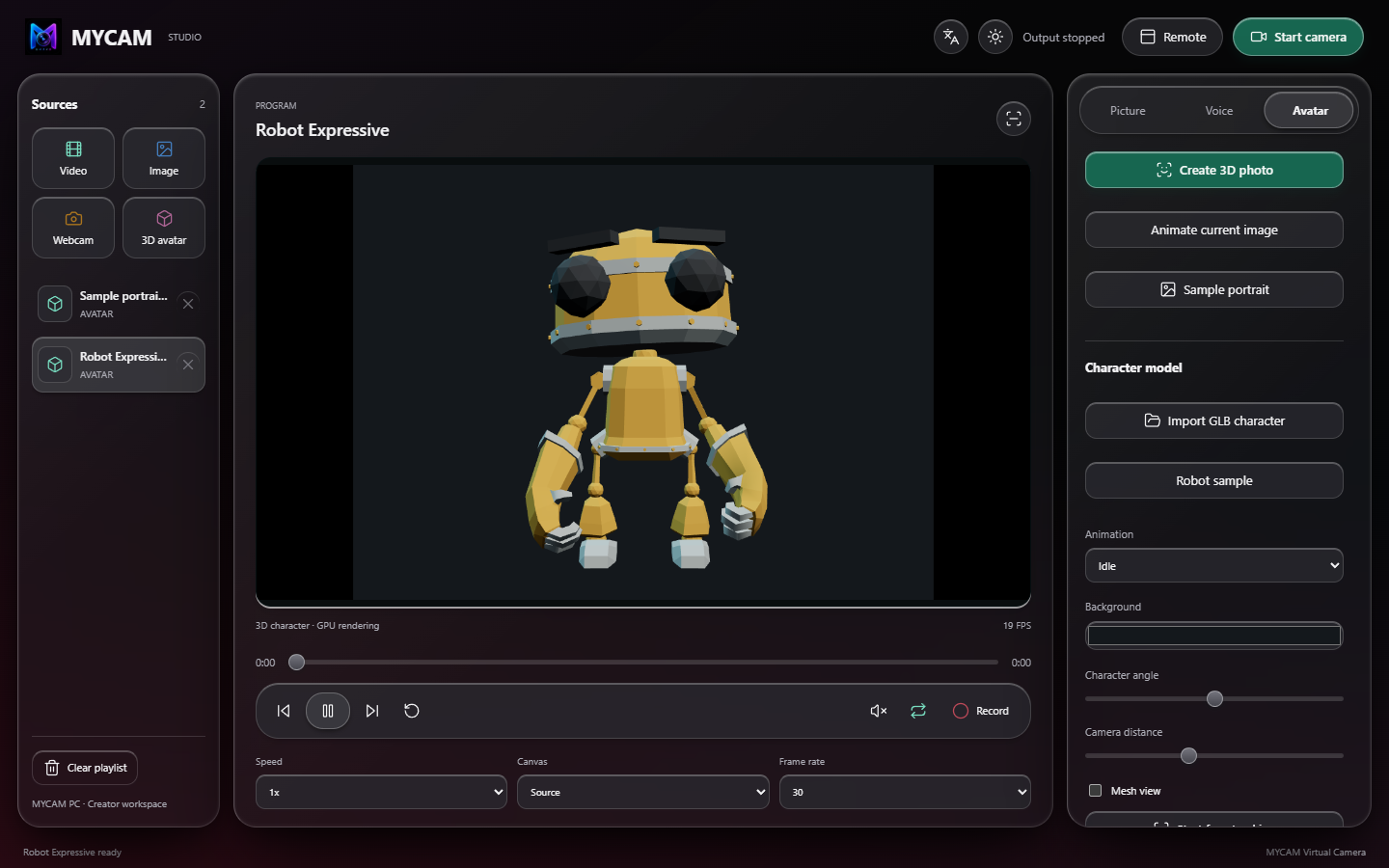
Manage video, photos, webcam sources and playback in a desktop-sized studio.
Photo animation, character controls and expressions, with supported GPU acceleration.
Virtual-camera output for compatible desktop apps and browsers, plus remote controls.
Download the setup, accept the terms and let it download the remaining components automatically. Internet and administrator access are required.
Windows 11 x64. Allow 12 GB of free space during setup. Local neural portrait processing needs supported NVIDIA CUDA hardware. Use a valid MYCAM activation key or purchase access inside the app.
Installer revision 1.0.0-r2 repairs camera startup error 0x80040111. Reinstall, then restart Windows. Windows 11 N users also need the Media Feature Pack if it is not installed.
This release is not publisher-signed, so Windows may show an unknown-publisher warning. Check the official release and its SHA-256 checksum before installing.
Windows release & checksums
04 / WATCH & GET STARTED
Real walkthroughs for every setup. Choose your platform or engine and follow along.
MYCAM PRO
Explore the engines and creative tools on your phone. Your active MYCAM subscription also unlocks Hinge Auto on the same phone.
View prices, payment options and refund terms.
Feature and service limits apply.
05 / GET MYCAM
Official downloads. Choose your platform, then pick up the helpers your workflow needs.
MYCAM v2.29.14
Standalone, Legacy and non-root engines.
MYCAM iOS
For supported jailbroken devices.
MYCAM PC Studio v1.0.0-r2
Windows 11 x64.
Compatibility depends on device, OS, engine and target app. Use only media and likenesses you have permission to use. Never use MYCAM to bypass age, identity or liveness verification.

READY ROOTED PHONES
Request a full rooted phone inside MYCAM. Tell us your preferred model, country and shipping details. We will confirm availability and pricing in your private order thread.
Get MYCAM to enquire Ask before ordering